Clash of Clans – Village Building, Battles & Download Guide (2026)
Sep 21, 2026
567 MB
18.600.7
Android 7.0 and up
500M+

Description
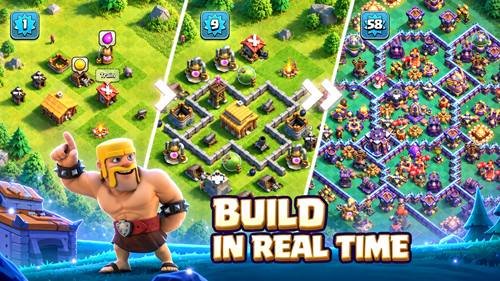
Clash of Clans is a popular mobile strategy game where you build a village, train an army, attack enemy bases, and work with other players through clans. The combination of base building and multiplayer battles gives players plenty to do over long-term progression.
I like that beginners can learn the basics gradually while experienced players can focus on advanced attack strategies, Clan Wars, competitive leagues, and stronger base layouts.
What Is Clash of Clans?
Developed by Supercell, this strategy game is based around building and protecting your village while creating armies for multiplayer attacks.
You collect resources, upgrade buildings, unlock troops and heroes, strengthen defences, and improve your Town Hall. Joining a clan also opens more team-based activities.
Clash of Clans Features
Some major gameplay features include:
- Strategic village building
- Multiplayer attacks
- Different troops and spells
- Powerful heroes
- Clan Wars and Clan War Leagues
- Builder Base
- Clan Capital and Raid activities
- Seasonal events and challenges
- Long-term upgrade progression
Supercell continues to update the game with new content and improvements. The Sep 2026 update added new Town Hall 18 Pet and Supercharge levels along with other changes.
Village Building and Base Upgrades
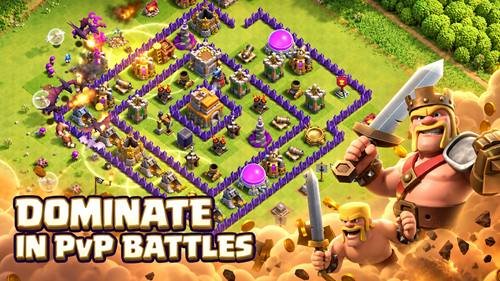
Your Home Village contains resource buildings, army structures, defences, traps, walls, and other important structures.
Builders are required for many upgrades, so managing them carefully can save time. I recommend upgrading important defences, army buildings, resource storage, and frequently used troops rather than rushing directly to the next Town Hall.
A balanced base layout can also make it harder for attackers to reach valuable resources and important defensive buildings.
Troops, Heroes, and Spells
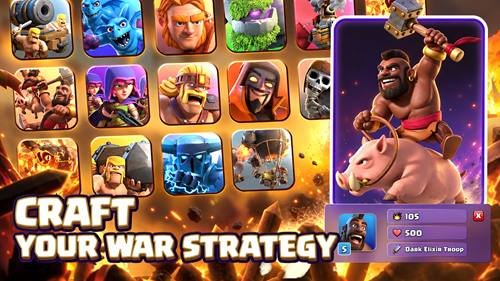
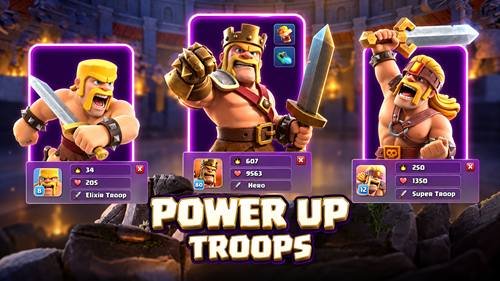
Different troops have different strengths. Some are useful for attacking defences, while others can absorb damage or target specific structures.
Heroes provide powerful abilities and become increasingly important as your village progresses. Spells can support your army through effects such as healing, damage, movement assistance, and other tactical benefits.
There is no single army that works perfectly against every base. Study the opponent’s layout before choosing your attack strategy.
Town Hall Levels and Progression
Upgrading your Town Hall unlocks new buildings, defences, troop upgrades, and other content.
However, moving up too quickly can leave important parts of your village underdeveloped. Upgrade the army and defences you regularly use before advancing when possible.
Current official update information includes content for Town Hall 18, showing how progression continues to expand.
Clan Wars and Clan War Leagues
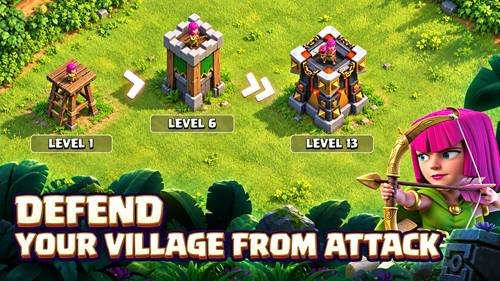
Joining a clan adds a strong team element to the game. Clan Wars allow members to attack opposing clan bases and work together toward victory.
Clan War Leagues provide another competitive format where teamwork, careful base selection, and good attack planning matter.
Communicating with clan members before important attacks can prevent wasted opportunities and improve overall results.
Builder Base and Clan Capital
Builder Base provides a separate experience with its own Builder Hall, buildings, resources, upgrades, and battles. Official Supercell information says players can access it after rebuilding the boat at Town Hall 6.
Clan Capital focuses more heavily on teamwork. Clan members contribute toward developing shared districts and participate in Capital Raids. Successful participation can provide resources such as Capital Gold and Raid Medals.
Multiplayer Battles and Attack Strategies
Before deploying troops, study the enemy village.
Look for:
- Town Hall position
- Strong defensive buildings
- Walls and compartments
- Possible trap locations
- Available resources
- Suitable entry points
Avoid deploying your entire army without a plan. Creating a path for important troops and timing spells correctly can greatly improve an attack.
Gold, Elixir, Dark Elixir, and Gems
Resources support different parts of village progression.
Gold is commonly used for buildings and defensive upgrades, while Elixir supports many army-related upgrades and structures. Dark Elixir becomes important for certain troops, heroes, and upgrades.
Gems are more valuable and should be spent carefully. Beginners may find them especially useful for important permanent progression, such as additional builders, rather than small time-saving actions.
Events, Challenges, and Rewards
Seasonal challenges and special events give players additional objectives outside normal village progression.
Rewards can help with resources and upgrades. Supercell also continues to add events and limited-time gameplay to keep the experience fresh.
Check the in-game events and news sections regularly so you do not miss useful activities.
Android Compatibility and System Requirements
Device requirements can change with future updates, so I recommend checking Google Play before installation.
For smoother gameplay:
- Keep enough free storage
- Use an updated Android device
- Close unnecessary background apps
- Maintain a stable internet connection
- Install current game updates
Unlike many offline mobile games, this is an online multiplayer strategy experience, so reliable connectivity is important.
How to Download Clash of Clans from APKDesh
Visit the game page on APKDesh.com.pk and review the available information.
Tap the Download button and wait approximately 5 seconds. You will then be redirected to the official Google Play installation page.
Before installing, verify that Supercell is listed as the developer. This simple check helps avoid unrelated or modified files.
How to Install Clash of Clans on Android
Follow these steps:
- Open its page on APKDesh.com.pk.
- Tap Download.
- Wait around 5 seconds.
- Continue to Google Play.
- Verify Supercell as the developer.
- Tap Install.
- Wait for installation to finish.
- Open the game and follow the initial tutorial.
The official store version also makes receiving future updates easier.
How to Play Clash of Clans
Begin by following the tutorial and learning how buildings, resources, troops, and attacks work.
Collect resources and use them to improve your village. Train troops before entering multiplayer battles and upgrade the army units you use frequently.
Once you understand the basics, join an active clan to explore donations, wars, Clan Capital, and other team activities.
Base Layout and Defence Tips for Beginners
A strong defence requires more than simply upgrading buildings.
Try these tips:
- Protect important defensive structures
- Place valuable resources carefully
- Use walls to slow ground troops
- Spread traps strategically
- Avoid leaving important areas exposed
- Update your layout after unlocking new buildings
Watching how enemies attack your village can also reveal weak areas in your design.
How to Save Your Progress with Supercell ID
Connecting your village to Supercell ID helps you access your progress on supported devices and provides official account-management options.
Keep your login information and verification codes private. Never share account codes with strangers, even if someone claims they can provide free Gems or upgrades.
For account problems, use Supercell’s official recovery and support options.
Common Problems and Fixes
Game not opening: Restart your phone and check for updates.
Connection problem: Switch between Wi-Fi and mobile data or restart your router.
Game crashing: Close background apps and make sure your device has enough available storage.
Update problem: Check Google Play, storage space, and internet connectivity.
Supercell ID problem: Confirm you are using the correct email/account and use official recovery options if necessary.
Is Clash of Clans Safe to Download?
Clash of Clans has an official Google Play listing from Supercell, which also provides developer details, support information, permissions, and data-safety information.
I recommend installing the official version and avoiding modified files that promise unlimited Gems, resources, or unfair advantages.
Never share Supercell ID verification codes or account credentials with another person.
Clash of Clans Pros and Cons
Pros
- Deep village-building system
- Many troops, heroes, and upgrades
- Competitive multiplayer battles
- Clan Wars and team activities
- Builder Base and Clan Capital
- Regular events and updates
Cons
- Higher-level upgrades can take significant time
- Requires internet connectivity
- Learning advanced attacks takes practice
- Long-term progression requires patience
Final Thoughts
Clash of Clans combines village building, resource management, strategic attacks, multiplayer competition, and clan teamwork in one long-term strategy game.
I think its biggest strength is progression. There is almost always another building, troop, hero, strategy, or part of the village to improve. For players who enjoy mobile strategy and base-building games, it remains a strong option.
Frequently Asked Questions
What is Clash of Clans?
It is an online mobile strategy game from Supercell based on village building, army development, multiplayer attacks, and clan activities.
Is the game free to play?
Yes. It is free to download and play, with optional in-game purchases.
How can I upgrade my village faster?
Keep builders active, manage resources carefully, complete available challenges, and prioritise useful upgrades.
What are Clan Wars?
They are team battles where members of one clan attack bases belonging to another clan.
How do I save my village?
Connect your game progress to Supercell ID and keep your account information secure.
Does the game require the internet?
Yes, it is designed around connected multiplayer gameplay.
How do I download it on Android?
Open its APKDesh.com.pk page, tap Download, wait around five seconds, and continue to the official Google Play listing.
Is it safe to download?
The safest option is the verified official Google Play version published by Supercell.