Microsoft Word: Edit Documents – Create, Edit & Share Files on Android (2026)
just now
94.73
16.0
Android 7.1 and up
1B+

Description
Microsoft Word: Edit Documents brings familiar Word document tools to Android phones and tablets. You can create documents, edit existing files, format text, use templates, work with PDFs, and share files while away from your computer.
I find the mobile format especially useful for quick changes to assignments, resumes, letters, and work documents. Instead of waiting to reach a PC, you can open a file and make important edits directly from your phone.
What Is Microsoft Word: Edit Documents?
Microsoft Word is a mobile word-processing app from Microsoft Corporation. The official Google Play listing currently shows more than 1 billion downloads.
It is designed for students, professionals, writers, and everyday users who need to create, read, edit, or share documents on mobile devices.
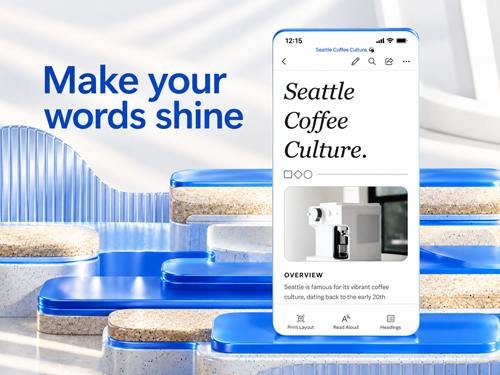
Microsoft Word App Features
The Android app includes many familiar document tools, such as:
- Create and edit Word documents
- Text formatting and page layout tools
- Ready-made document templates
- Built-in document viewer
- Word and PDF conversion
- Comments and collaboration
- File sharing and permissions
- Cloud document access
- Optional Microsoft 365 features
These tools make Word suitable for both quick edits and longer documents.
Create and Edit Documents on Android
You can start with a blank page or open an existing document.
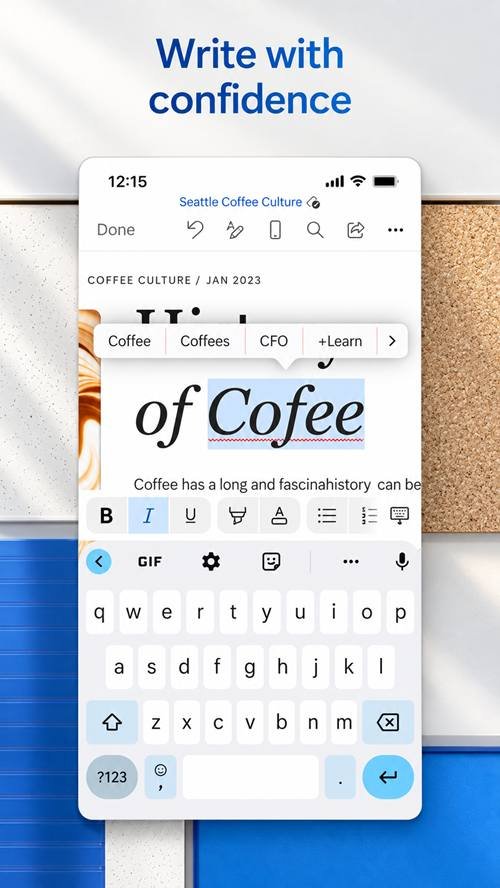
Word supports familiar writing and editing tools, so you can add paragraphs, correct mistakes, reorganise content, and save changes without using a desktop computer.
The Android version supports editing .docx files, while some older or alternative formats may open only in read-only mode.
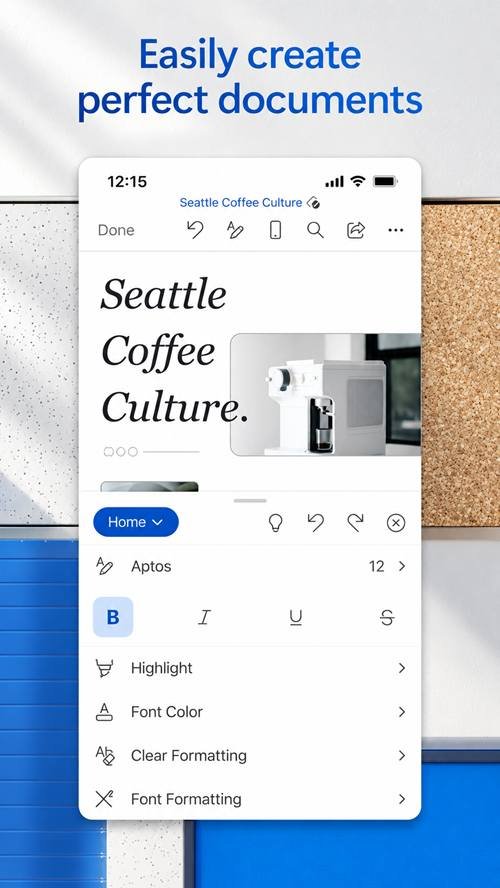
Text Formatting, Fonts, and Page Layout
Formatting tools help make documents easier to read and more professional.
You can work with fonts, text sizes, bold and italic formatting, headings, lists, paragraph spacing, alignment, and other layout options.
Some advanced layout functions require a qualifying Microsoft 365 subscription. Microsoft lists features such as page orientation, columns, section breaks, and additional header/footer controls among its premium Android features.
Templates for Resumes, Letters, and Reports
Templates can save time when you do not want to design a document from scratch.
The official listing includes templates for documents such as:
- CVs and resumes
- Letters
- Scripts
- Proposals
- Invoices
- Newsletters
- Brochures
Choose a suitable template, replace the sample information with your own content, and then adjust the formatting as needed.
Open, View, and Work with PDF Files
Word provides useful PDF functionality on mobile.
The app can view PDF documents, while the current Google Play listing also advertises conversion between Word and PDF. Microsoft notes that PDF files can be viewed directly, while editing may require conversion into a Word-compatible format.
You can also save a Word document as a PDF from an Android device.
Share Documents and Collaborate with Others
Sharing is useful for school projects, office work, and documents that require feedback from several people.
Word lets users invite others to view or edit supported files, manage access permissions, add comments, and work with shared documents.
For Microsoft’s Android sharing workflow, you generally need to sign in and store the relevant file on OneDrive or OneDrive for Business.
Cloud Storage and Document Sync
Cloud access makes it easier to move between your phone, tablet, and computer.
Word for Android supports saving to services including OneDrive, Dropbox, Box, and SharePoint.
I recommend saving important work to a connected cloud account when appropriate. This can make documents easier to access from another device and reduces dependence on a single phone.
Free Features and Microsoft 365 Subscription Options
Microsoft provides core editing for free on qualifying Android devices with screens of 10.1 inches or smaller. Additional Word features are available with a qualifying Microsoft 365 subscription.
Premium features can include additional layout and formatting controls, depending on your subscription and device.
Before paying, check the current Microsoft 365 plan and included features because availability can change.
Android Compatibility and System Requirements
The current Google Play listing specifies 1 GB RAM or higher as a requirement.
For smoother use:
- Keep enough free storage available
- Keep Word updated
- Use a supported Android version
- Maintain internet access for cloud functions
- Close unnecessary background apps if performance is slow
Google Play is the best place to confirm whether the current release supports your specific device.
How to Download Microsoft Word: Edit Documents from APKDesh
Visit the Microsoft Word page on APKDesh.com.pk and review the available app information.
Tap the Download button and wait around 5 seconds. You will then be taken to the official Google Play installation page.
Before installing, verify that Microsoft Corporation is shown as the developer.
How to Install Microsoft Word on Android
Follow these steps:
- Open the Microsoft Word page on APKDesh.com.pk.
- Tap Download.
- Wait approximately 5 seconds.
- Continue to Google Play.
- Verify Microsoft Corporation as the developer.
- Tap Install.
- Wait for installation to finish.
- Open Word and complete the available setup.
Using the official Google Play version also makes future app updates easier.
How to Use Microsoft Word: Edit Documents
Open the app and choose a blank document or an available template.
Start typing your content, then use the formatting controls to adjust fonts, headings, paragraphs, lists, and layout. Save the document when finished.
If you need to work with others, use the available sharing and collaboration options after signing into your Microsoft account.
Tips for Editing Documents on Mobile
For easier mobile editing:
- Use templates to save time
- Add headings to long documents
- Keep paragraphs easy to scan
- Save important changes regularly
- Use cloud storage when appropriate
- Check formatting before sharing
- Review permissions on shared documents
For very complex formatting, a larger screen may still be more comfortable.
Common Problems and Troubleshooting
Word not opening: Restart your device and check for an app update.
Document not opening: Check whether the file format is supported. Some formats have limited editing support on Android.
Cloud sync problem: Check your internet connection and confirm that you are signed into the correct account.
App running slowly: Close unnecessary apps and check available storage.
Sign-in problem: Verify your Microsoft account details and use official account recovery options when necessary.
Microsoft Word Privacy and Safety
Downloading Word from the official Google Play listing helps ensure you are installing the authentic Microsoft application.
Protect your Microsoft account password and avoid sharing confidential documents through public links.
When collaborating, review who can view or edit a file. Microsoft provides sharing controls that allow users to manage document access.
Microsoft Word: Edit Documents App Pros and Cons
Pros
- Familiar document editor
- Useful templates
- Word and PDF tools
- Cloud storage support
- Sharing and collaboration
- Mobile-friendly editing
- Strong formatting options
Cons
- Some features require Microsoft 365
- Complex editing is easier on a larger screen
- Cloud functions require internet access
- Some file formats have limited editing support
Final Thoughts
Microsoft Word: Edit Documents is a practical option for creating, reading, editing, and sharing files from an Android device.
I think its biggest advantage is familiarity. Users who already work with Word on a computer can access many useful document tools on mobile without learning a completely different workflow. For students, professionals, writers, and everyday document editing, it provides a convenient way to work while away from a PC.
Frequently Asked Questions
What is Microsoft Word: Edit Documents?
It is Microsoft’s mobile word-processing app for creating, viewing, editing, and sharing documents.
Is Microsoft Word: Edit Documents free on Android?
Core editing is free on qualifying Android devices with screens of 10.1 inches or smaller. Some advanced features require Microsoft 365.
Can I create and edit documents on my phone?
Yes. Word supports creating and editing compatible documents directly on Android.
Can Microsoft Word: Edit Documents open PDF files?
Yes. PDF files can be viewed, and Word also provides PDF-related conversion options.
Does Word support cloud storage?
Yes. Android support includes services such as OneDrive, Dropbox, Box, and SharePoint.
Do I need Microsoft 365?
Not for every feature. Core editing is available free on qualifying devices, while advanced functions may require a subscription.
How do I download Microsoft Word: Edit Documents on Android?
Visit its APKDesh page, tap Download, wait around five seconds, and continue to the official Google Play listing.
Is Microsoft Word safe to use?
Use the official Microsoft version, protect your account credentials, and review permissions before sharing sensitive documents.