NFC Tools APK – Latest Version, Download (2026)
Jul 31, 2026
1.68 MB
2.2.4
Android 7.0 and up
10K+

Description
NFC Tools APK is a useful utility for reading, writing, and managing NFC tags from a compatible phone. Developed by WAKDEV, the app gives beginners a simple way to work with Near Field Communication without needing complicated technical knowledge.
In this guide, I’ll explain its main features, supported tags, installation process, NFC automation, safety, and common problems.
What Is NFC Tools APK?
NFC Tools APK is an NFC reader and writer app designed to communicate with compatible NFC chips. You can bring your phone close to a tag to view information such as its type, serial number, technology, memory size, and stored NDEF records.
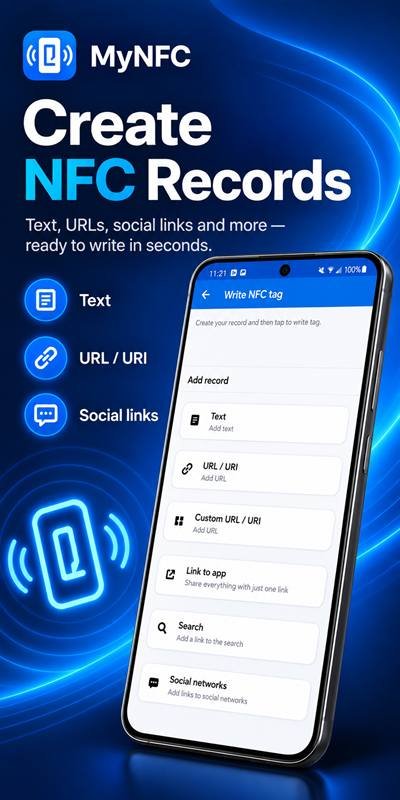
It can also write information such as text, website links, contacts, phone numbers, addresses, Wi-Fi details, and other supported records.
NFC Tools APK Latest Version
At the time of writing, WAKDEV lists version 2.2.4 in its official release notes. The Google Play listing was updated on Jul 31, 2026.
Because new updates can arrive later, I recommend checking the official listing before downloading.
What’s New in the Latest Version?
Version 2.2.4 adds payment-link NFC records, a Favorite Commands editor, improved chip information, NXP ICODE SLI-L detection, and memory reading for Type 4 chips.
WAKDEV also reports minor bug fixes and user-interface improvements.
How Does NFC Tools APK Work?
The process is straightforward. First, your phone must have NFC hardware enabled.
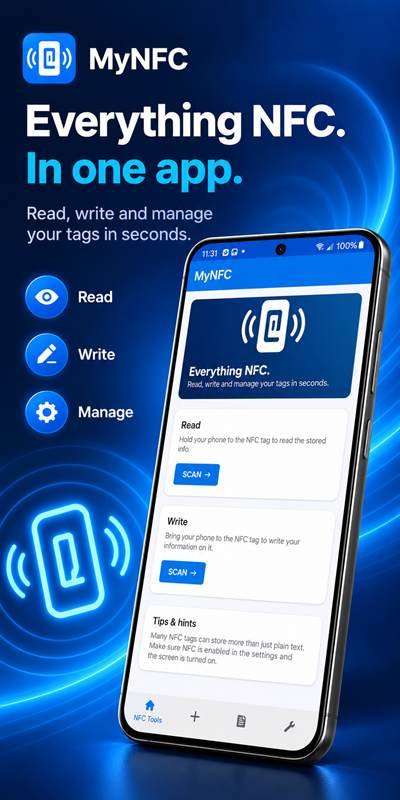
Open the app, choose the Read section, and move your device close to a compatible NFC tag. The app can then display available tag information.
For writing, select the record you want to save, prepare the data, and bring your phone close to a writable tag.
Main Features of NFC Tools APK
The app provides several practical NFC management features:
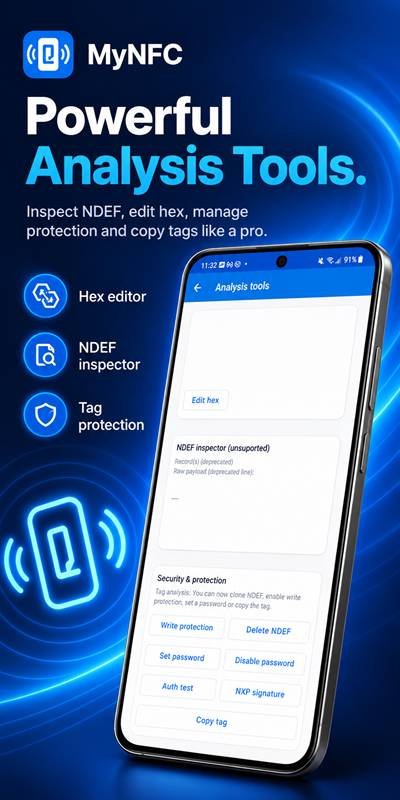
- Read NFC tag information
- Write standard NDEF records
- Check tag type and memory
- Copy compatible tag content
- Erase and format supported tags
- Export tag memory
- Protect supported tags
- Use advanced NFC commands
- Create automation with NFC tasks
Some functions depend on the chip and device being used.
Read NFC Tags
The NFC tag reader can display useful technical information, including the manufacturer, tag type, serial number, NFC technology, memory capacity, write status, and stored NDEF data.
This makes the app useful for both beginners and people who regularly work with NFC smart tags.
Write and Program NFC Tags
Writing is equally simple. NFC Tools supports records such as text, URLs, email addresses, contacts, phone numbers, SMS information, locations, Wi-Fi configurations, and Bluetooth configurations.
After writing, scan the tag again to confirm that the information was stored correctly.
Supported NFC Tag Types
NFC Tools supports many common NFC chip families. WAKDEV lists compatibility with NTAG, MIFARE Ultralight, MIFARE Classic, DESFire, ICODE, ST25, FeliCa, Topaz, and other supported chips.
Popular choices include NTAG213, NTAG215, and NTAG216. Their available user memory differs, so choose a tag according to the amount of information you need to store.
NFC Tasks and Automation
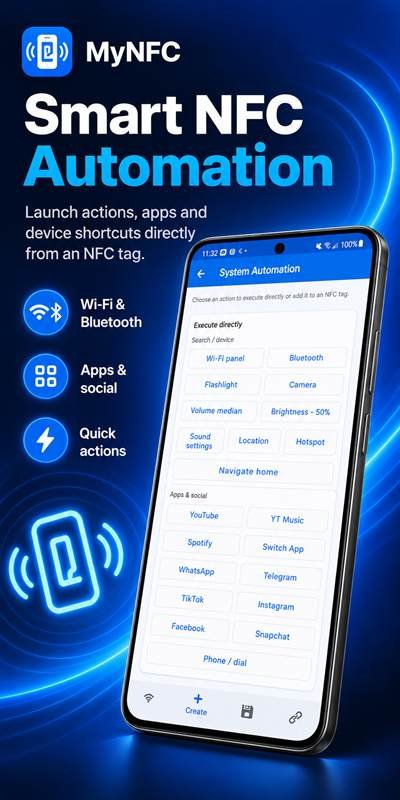
NFC tags can also help automate repeated actions. WAKDEV states that more than 200 tasks can be combined using its NFC Tasks companion app.
Depending on Android restrictions and permissions, these actions can include opening an app or URL, adjusting volume, setting a timer, or configuring certain phone functions.
NFC Tools APK User Interface
The interface separates major functions into clear areas for reading, writing, and additional NFC operations.
I find this structure especially useful for beginners because you can choose the action you need without working through complicated technical menus.
How to Download NFC Tools APK
For a safer NFC Tools APK download, first confirm that the package comes from WAKDEV or another source you trust.
Check the developer, version, package details, and file before installation. Avoid modified files that promise unofficial premium features.
The standard NFC Tools app is also available free through Google Play.
How to Install NFC Tools APK on Android
After downloading the file:
- Open the downloaded package.
- Allow installation from that source if Android requests it.
- Review the requested permissions.
- Tap Install.
- Open the app after installation.
For better security, disable unnecessary “install unknown apps” permission afterward.
How to Use NFC Tools APK
Enable NFC in your phone settings and open the app.
Choose Read to scan an existing tag or Write to prepare new information. Hold the NFC area of your phone close to the chip until it is detected.
Do not move the phone away while data is being written.
System Requirements and Compatibility
The most important requirement is an NFC-compatible device. Without NFC hardware, normal tag reading and writing will not work.
Compatibility also depends on your phone, Android version, chip technology, and the particular operation you want to perform.
Is NFC Tools APK Safe?
The official Google Play listing states that, according to WAKDEV’s current data-safety declaration, the app does not collect data or share data with third parties. Google Play also currently displays “Data isn’t encrypted” in the listing.
For third-party packages, scan the file before installation and avoid suspicious modified versions.
Benefits of Using NFC Tools
The main benefit is convenience. One app can handle everyday NFC reading, writing, tag information, and supported automation tasks.
It is also useful for learning how NFC technology works without requiring an overly complex interface.
Common NFC Problems and Solutions
Tag not detected: Make sure NFC is enabled and move the tag around the NFC antenna area of your phone.
Cannot write data: Check whether the tag is writable, locked, compatible, and has enough memory.
Phone cannot scan tags: Confirm that your device actually includes NFC hardware.
Automation does not work: Some tasks require the separate NFC Tasks app, additional permissions, or may be limited by Android.
Pros and Cons
Pros
- Easy NFC tag reading and writing
- Supports many common NFC chips
- Simple interface
- Useful tag information
- Automation support
- Suitable for beginners
Cons
- Requires NFC-compatible hardware
- Some functions depend on tag type
- Automation can require NFC Tasks
- Advanced features may be confusing for new users
Final Thoughts
NFC Tools APK is a practical option for anyone who wants to read, write, and manage compatible NFC tags from a phone. Its straightforward interface makes basic NFC operations accessible, while advanced features provide more options for experienced users.
For the best experience, use an NFC-enabled device, choose compatible tags, and obtain the app from a trusted source.
Frequently Asked Questions
What is NFC Tools APK?
It is an NFC utility developed by WAKDEV for reading, writing, and managing compatible NFC tags.
Can NFC Tools APK read NFC tags?
Yes. It can display tag type, serial number, technology, memory information, NDEF records, and other supported details.
Can I write information to NFC tags?
Yes. Supported records include text, URLs, contacts, phone numbers, locations, Wi-Fi details, and more.
Does my phone need NFC support?
Yes. NFC hardware is required for normal tag reading and writing.
Why is my NFC tag not detected?
Check that NFC is enabled, your tag is compatible, and you are holding it near your phone’s NFC antenna.
Is NFC Tools APK safe to use?
The safest approach is to use the official WAKDEV release or another trusted source and avoid suspicious modified packages.