Salin TV App – Latest Version, Download & Complete Guide (2026)
Aug 31, 2026
53.89 MB
2.0.9
Android 6.0
1.3M

Description
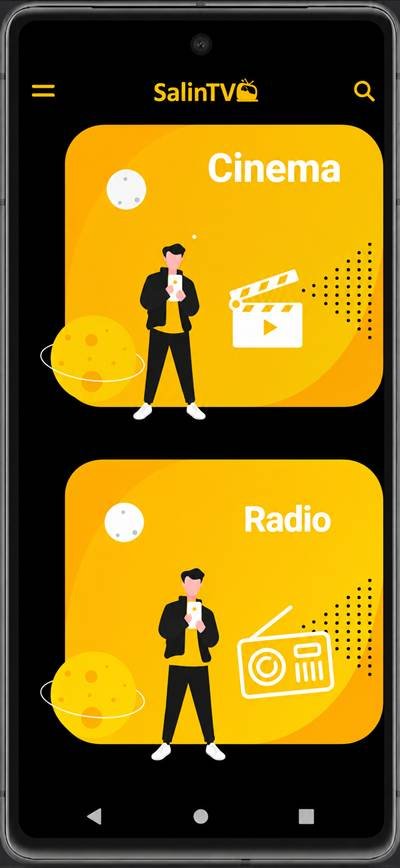
The Salin TV App is an entertainment platform designed mainly for people interested in Persian media. It brings radio channels, movies, videos, and other entertainment content into one mobile-friendly platform.
I like the simple idea behind the app: instead of searching across different platforms, users can browse available Persian entertainment from one place.
What Is the Salin TV App?
Salin TV is an entertainment and streaming app developed by Salintech. Its official Google Play description focuses on exclusive Persian radio channels and an extensive movie archive.
The developer also states that the video archive contains SalinTV’s own provided content. The platform is available for Android phones and Android TV devices.
Salin TV App Features
The platform combines different types of entertainment in a relatively simple interface.
Some of its main features include:
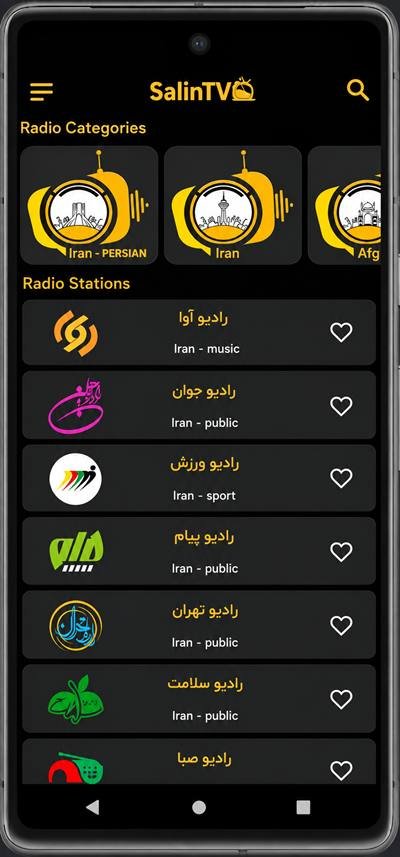
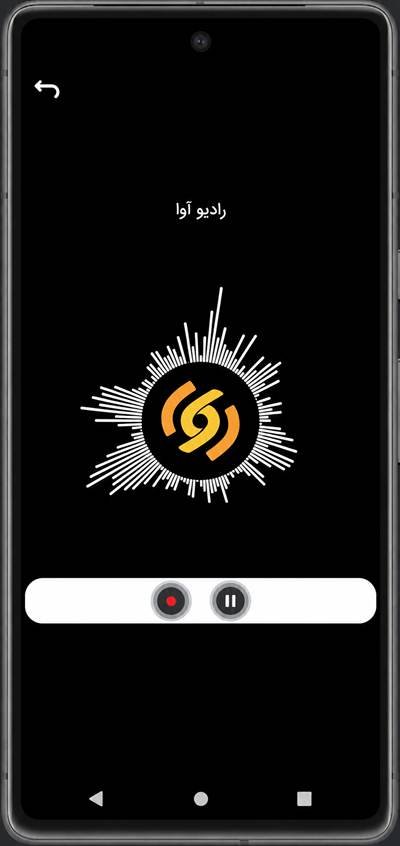
- Persian radio channels
- Movie and video archive
- Different media categories
- Audio and video streaming
- Android phone and TV support
- Simple content browsing
These features make it useful for people who regularly watch or listen to Persian entertainment.
Persian Radio and Movie Archive on Salin TV
Persian content is one of the main reasons people may choose this app.
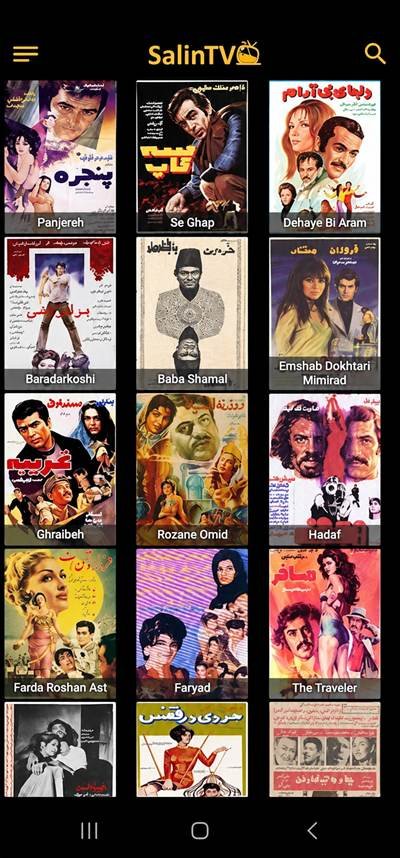
Users can explore Persian radio options and browse the available movie archive. The official SalinTV website currently displays a collection of older Persian movies alongside other media categories.
The movie library is SalinTV’s own archive, so users should not assume that every movie or TV programme will be available.
Salin TV App Latest Version for Android
The official Google Play listing shows that Salin TV was updated on August 31, 2026. The latest Play Store changelog simply mentions bug fixes.
The listing also shows more than 1 million downloads and support for phones, tablets, TVs, and Chromebooks.
Because versions can change frequently, I recommend checking Google Play before downloading rather than relying on an old version number from a third-party website.
How to Download the Salin TV App on Android
The easiest and safer method is through Google Play.
Search for Salin TV by Salintech, check the developer information, and select Install. SalinTV’s official website also provides download options for Android phones, Android TV, and Amazon Fire Stick.
If you choose an APK file, verify its source before installing it. Avoid unknown modified versions.
How to Install Salin TV
Google Play automatically downloads and installs the app.
For manual APK installation, open the downloaded file and follow Android’s instructions. Your phone may ask you to permit installation from that particular external source.
After installation finishes, launch the app and complete any setup shown on the screen.
How to Use Salin TV for the First Time
Open the app and explore its available media sections.
Browse the radio, movie, or other entertainment categories and select the content you want. A stable internet connection is important for smooth streaming.
I recommend exploring the interface first rather than changing multiple settings immediately.
Is the Salin TV app free to use?
Salin TV can be downloaded from Google Play without an upfront purchase. However, its current store listing shows that the app contains ads and in-app purchases.
This means some services or experiences may involve payments. Check the options displayed inside the current version before purchasing anything.
Salin TV App Android Requirements
Device requirements can change with updates.
A recent third-party APK listing reports Android 6.0 or newer, but users should check compatibility directly through Google Play because it provides requirements for their specific device.
Streaming also requires a suitable internet connection. Poor network speed can cause buffering or loading problems.
Is the Salin TV APP Safe to Download?
I recommend getting the app directly from Google Play or SalinTV’s official website.
According to the developer’s current Google Play Data Safety declaration:
- No data is shared with third parties.
- No data is collected.
- Data is encrypted in transit.
- Users can request data deletion.
These details are developer-provided and may change, so review the current Data Safety section yourself before installation.
Common Salin TV App Problems and Fixes
Streaming apps can occasionally experience connection or performance problems.
If Salin TV is not working properly, try these basic fixes:
- Check your internet connection.
- Restart the app.
- Restart your phone.
- Update to the current version.
- Clear unnecessary storage space.
- Check whether the specific content is temporarily unavailable.
If installation fails, confirm that your device supports the current release.
Salin TV Pros and Cons
Pros
- Focus on Persian entertainment
- Persian radio options
- Movie and video archive
- Simple mobile access
- Android phone and TV support
- Available through Google Play
Cons
- Contains ads and in-app purchases
- Streaming depends on internet quality
- Available content can change
- Some users may experience buffering or loading issues
My Final Thoughts on Salin TV App
The Salin TV app is worth exploring for users looking for Persian radio, movies, videos, and other entertainment from one platform.
Its biggest advantage is the combination of Persian media with support for different Android devices. I recommend using the official version, checking current access options, and keeping the app updated for the best experience.
FAQs
What is the Salin TV app?
It is an entertainment app offering Persian radio and an archive of movies and videos.
Does Salin TV offer Persian radio?
Yes. Persian radio is one of the main features highlighted by the developer.
How do I download the Salin TV app?
You can install it from Google Play or use the download options on the official SalinTV website.
Is the Salin TV app free?
It is free to install, but Google Play says it contains ads and in-app purchases.
Does the Salin TV app require internet?
An internet connection is required for streaming online content.
Is the Salin TV app safe to download?
Downloading the official release from Google Play is safer than using unknown or modified APK files.