Guma AI Image Generator App – Download, Features & Complete Guide
Sep 7, 2026
70.21 MB
1.2.4
Android 8.0 and up
100K+

Description
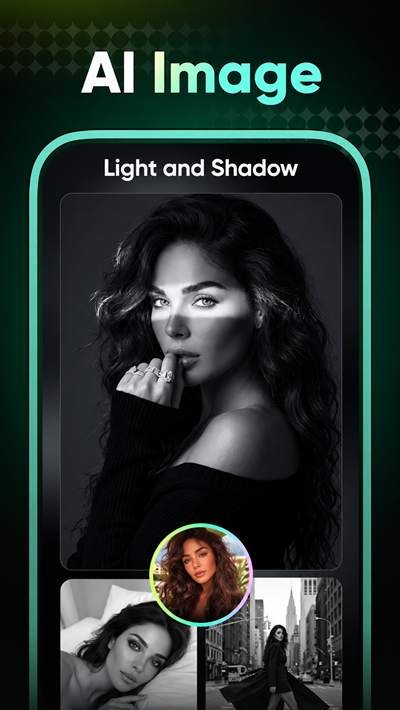
The Guma AI Image Generator App is a creative tool for making AI images and videos from simple ideas, text prompts, and photos. It combines several creation tools in one place, making it useful for social media content, artwork, photo effects, and short AI videos.
What I find most useful about the concept is its beginner-friendly approach. You can describe an idea, choose an available model or template, and let AI create the visual result.
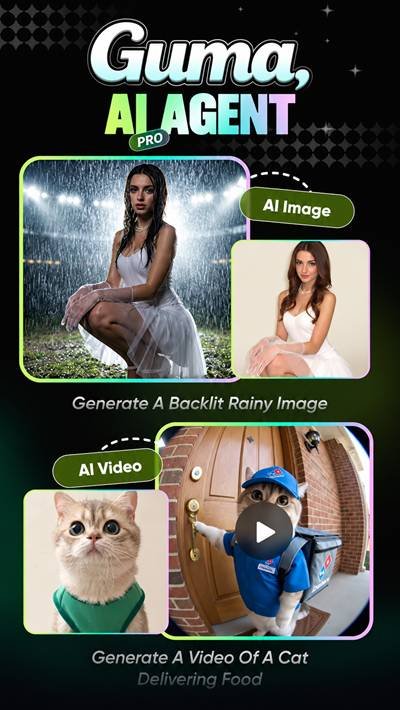
What Is the Guma AI Image Generator App?
Guma is an AI-powered image and video creation platform.
It supports text-to-image, image-to-image, text-to-video, image-to-video, video templates, and AI dance generation. Its website currently provides access to models including GPT Image, Nano Banana, Kling, and Seedance options.
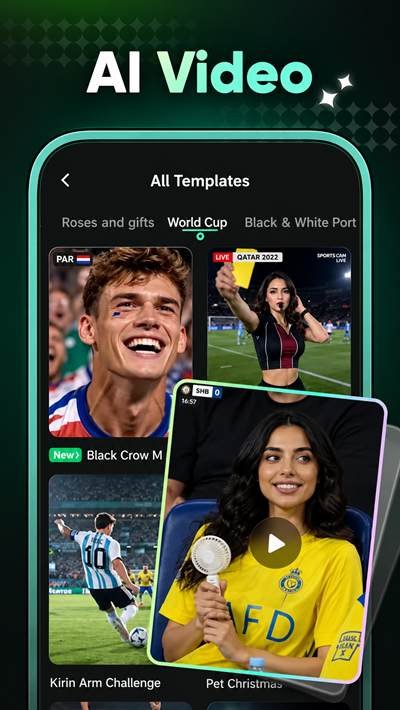
Guma App Latest Version for Android
The official Guma Android app is available through Google Play.
Recent update notes mention batch template creation, allowing multiple works to be generated from one image. Users can also choose between different video resolutions and image-quality options.
Because versions and device requirements can change, check the current store listing before downloading.
How Does Guma Create Images from Text?
Text-to-image generation starts with a written prompt.
You describe the picture you want, select an available model or style, and generate the image. A more specific prompt can usually give the AI clearer creative direction.
For example, instead of writing “a car,” describe its setting, lighting, viewpoint, and visual style.
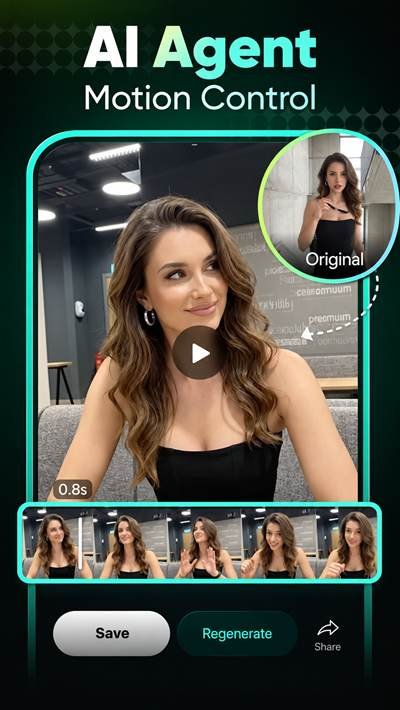
Main Features of the Guma App
Current creative options include:
- Text-to-image generation
- Image-to-image creation
- Text-to-video tools
- Image-to-video generation
- AI video templates
- AI dance generator
- Image templates
- Creative visual styles
- Multiple AI models
Guma’s current web platform also offers specialized templates for portraits, product images, characters, outfits, and other creative uses.
AI Image Styles and Creative Options
Different AI models and templates make it possible to experiment with various looks.
You can change your prompt, use an existing image, or select another creative template. This is helpful when the first result does not match your original idea.
I recommend changing one part of your prompt at a time. It makes it easier to understand which instructions are affecting the final image.
Create AI Videos with Guma
Guma is not limited to still images.
Its current platform includes text-to-video, image-to-video, templates, and several video models. You can provide a prompt or image and use the available generation settings to create short AI videos.
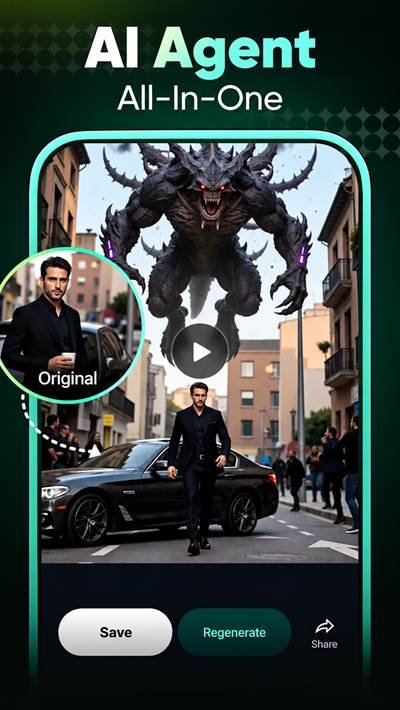
Turn Photos into Dance Videos
Photo Dance is another creative feature.
You select a photo and apply a supported dance style or template. AI then animates the picture into a dance-style video that can be saved or shared.
Use clear photos where the main subject is easy to see for better input quality.
How to Download Guma AI Image Generator App on Android
For a safer installation:
- Search for Guma on Google Play.
- Verify the app and developer details.
- Check compatibility with your device.
- Download the official release.
- Avoid suspicious modified packages.
If using an APK provider, scan the downloaded file before opening it.
How to Install Guma on Your Phone
Google Play handles installation automatically.
For a manually downloaded APK, open the file and follow Android’s installation prompts. Only allow installation from a third-party source when you trust that provider.
How to Use Guma AI Image Generator App
Open the image creation section and choose text-to-image.
Write a detailed prompt, select an available model or style, and start generation. Review the result and adjust your prompt if necessary.
Adding details about lighting, background, subject, camera angle, and art style can provide clearer instructions to the generator.
Is Guma AI Image Generator App Free to Use?
Guma describes its web platform as a free AI video and image generator, but generation limits and paid features apply.
The Android app includes in-app purchases, and user reviews on Google Play indicate that some creations require coins even after subscribing. Because offers can change, check the current price and coin requirements inside the app before paying.
Guma Subscription and Coins Explained
Guma uses coins for AI generation.
The exact coin cost can vary depending on the creation tool, model, quality, or other settings. For example, Guma’s current web interface displays coin costs before some video generations.
Always check the displayed cost before starting a generation.
Is Guma AI Image Generator App Safe to Download?
Use Google Play or another trusted source rather than an unknown APK website.
Google Play currently says data is encrypted in transit but cannot be deleted through the developer’s declared data-safety process.
You should also think carefully before uploading private or sensitive photos to any AI service.
Guma AI Image Generator App Pros and Cons
Pros
- AI image and video creation
- Text and photo-based tools
- Multiple AI models
- Dance-video effects
- Templates for beginners
- Creative style options
Cons
- Some features require coins
- In-app purchases are available
- Generation costs can vary
- AI results may not always match your prompt
Common Guma AI Image Generator App Problems and Fixes
If the generation gets stuck, check your internet connection and restart the app.
For installation problems, confirm device compatibility and free storage. If a template fails to load, update Guma and try again later.
Poor AI results can sometimes be improved by simplifying or rewriting the prompt.
My Final Thoughts on Guma
The Guma AI Image Generator App combines AI pictures, videos, templates, photo animation, and creative effects in one platform.
Its simple workflow should appeal to beginners who want to experiment with AI content creation. However, users should understand the coin and subscription system before paying and consider privacy before uploading personal photos.
Frequently Asked Questions
What is the Guma AI Image Generator app?
It is an AI tool for generating and transforming images and videos.
Can Guma create AI videos?
Yes. It supports text-to-video and image-to-video creation.
Can Guma AI Image Generator app turn photos into dance videos?
Yes. Photo Dance can animate a photo using supported dance effects.
Is the Guma Image Generator app free?
Some access is available without a traditional purchase, but coins, subscriptions, and paid features can apply.
How do Guma Image Generator app coins work?
Coins are used for certain AI generations, with costs depending on the selected creation option.
Is Guma AI Image Generator App safe to download?
The official store version is the safer option. Avoid unverified modified APK files and be careful when uploading personal photos.